Introducing Control Alt Elite
A designer-first AI working group
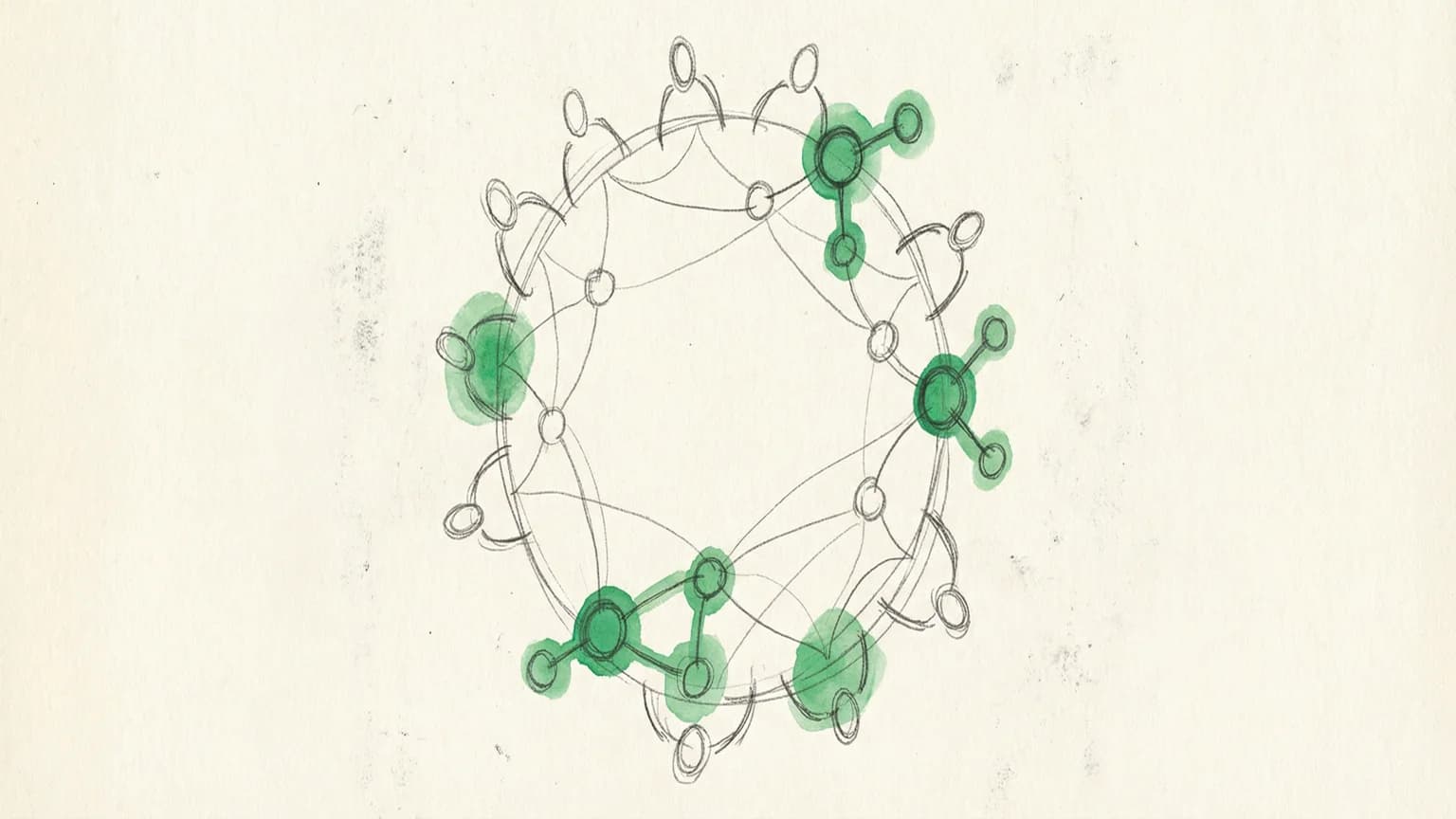
Control Alt Elite (CAE, "Ctrl Alt Elite") is a small, designer-first working group I started to make AI exploration practical, social, and repeatable. Less "AI inspiration theater," more "I used this on real work and it saved me time."
The through-line is accessibility: we assume people start from different baselines, we bias toward showing over jargon, and we focus on workflows designers actually live in—Figma, research artifacts, messy docs, and too many tools.
Why CAE exists
In sessions, the recurring pain isn't "are the models smart enough?" It's everything around them:
Tool overload. So many tools, hard to pick, easy to rabbit-hole. Every week brings another "game-changing" AI product.
The demo-adoption gap. Cool demo does not equal usable day-to-day. I've seen this repeatedly in my work with design teams—tools that demo well often miss the messy reality of actual workflows.
Context friction. PowerPoints, PDFs, screenshots, scattered notes—"where does the truth live?" Before AI can help, you have to feed it context. That's hard when your context is fragmented across 8 apps.
Designer reality. Designers live in Figma all day. Prompting feels foreign compared to muscle-memory visual iteration. The input mode is different.
CAE exists to close that gap—turning AI from an abstract concept into repeatable moves you can apply to your own work.
How it works
CAE's operating model is a scaffolding loop:
Show → Do together → Do independently → Share results
In practice:
- We pick a concrete "job to be done"—something annoying, repetitive, or high-impact
- Someone demos a workflow end-to-end (not just the tool)
- We try it together (or at least align on steps and prerequisites)
- Everyone runs a small "homework" experiment in their own context
- Next session, we compare notes: what worked, what broke, what we learned
This structure is deliberate. It turns one person's expertise into group capability without requiring everyone to become an AI power user overnight.
What happens in a session
A typical CAE session includes some mix of:
- Workflow demos: Generating a sitemap or wireframe quickly, turning notes into artifacts, prototyping an interaction that's painful in traditional tools
- "How would you actually do this?" breakdowns: Steps, prerequisites, and tool choices
- Tool mapping: Not "here are 50 tools," but "for this task, here's a shopping list and why"
- Small wins and blockers: The "this saved me 2 hours" moments alongside the honest friction (security constraints, context limits, learning curves)
- Lightweight enablement: Optional 1:1 onboarding when someone wants help getting set up
What we focus on
What we steer toward:
- Using AI to do our jobs better and faster—not just "designing for AI" as an abstract topic
- Practical, end-to-end workflows (inputs → transformation → usable output)
- Reusable building blocks: templates, guardrails, prompt patterns, small scripts or plugins
What we avoid:
- Tool-chasing (going deep on whatever shipped this week unless it maps to a real need)
- Demo-only learning (it doesn't transfer)
- Assuming everyone should work the same way (different roles need different shapes of support)
Who CAE is for
CAE is especially for:
- Designers who feel the "prompting vs. visual thinking" gap and want a gentler bridge
- Designers, researchers, and strategists who want AI to reduce busywork (docs, synthesis, mapping, scaffolding) without losing craft
- People who want a peer group to experiment with—so learning isn't lonely, expensive, or chaotic
What you walk away with
If CAE is working, you leave with:
- A repeatable workflow you can run again (not just "a cool tool")
- A clearer sense of which tools are interchangeable and which aren't
- A small set of prompts, guardrails, or templates you can reuse
- More comfort treating AI like a teammate you can instruct and critique—not a magic box
How to participate
The best way to join is to bring one thing:
A task you do repeatedly (or dread doing), plus a small sample of the inputs you'd normally use.
From there, the group helps turn it into an experiment we can run through the show/do/share loop.
For an example of CAE in action, see The Keyframe Model—notes from our first session where Dave McMahon showed how his team used AI-assisted storyboards to pitch executives.
And if you're curious about my own AI setup, I wrote about how I've extended Claude Code into a personal operating system with memory, automation, and multi-agent coordination.