The Keyframe Model: A Better Way to Pitch AI Projects
What I learned from watching a designer pitch AI to executives
I recently watched Dave McMahon, a designer I work with, walk through how his team pitched AI initiatives to a major restaurant chain. The approach is what stayed with me.
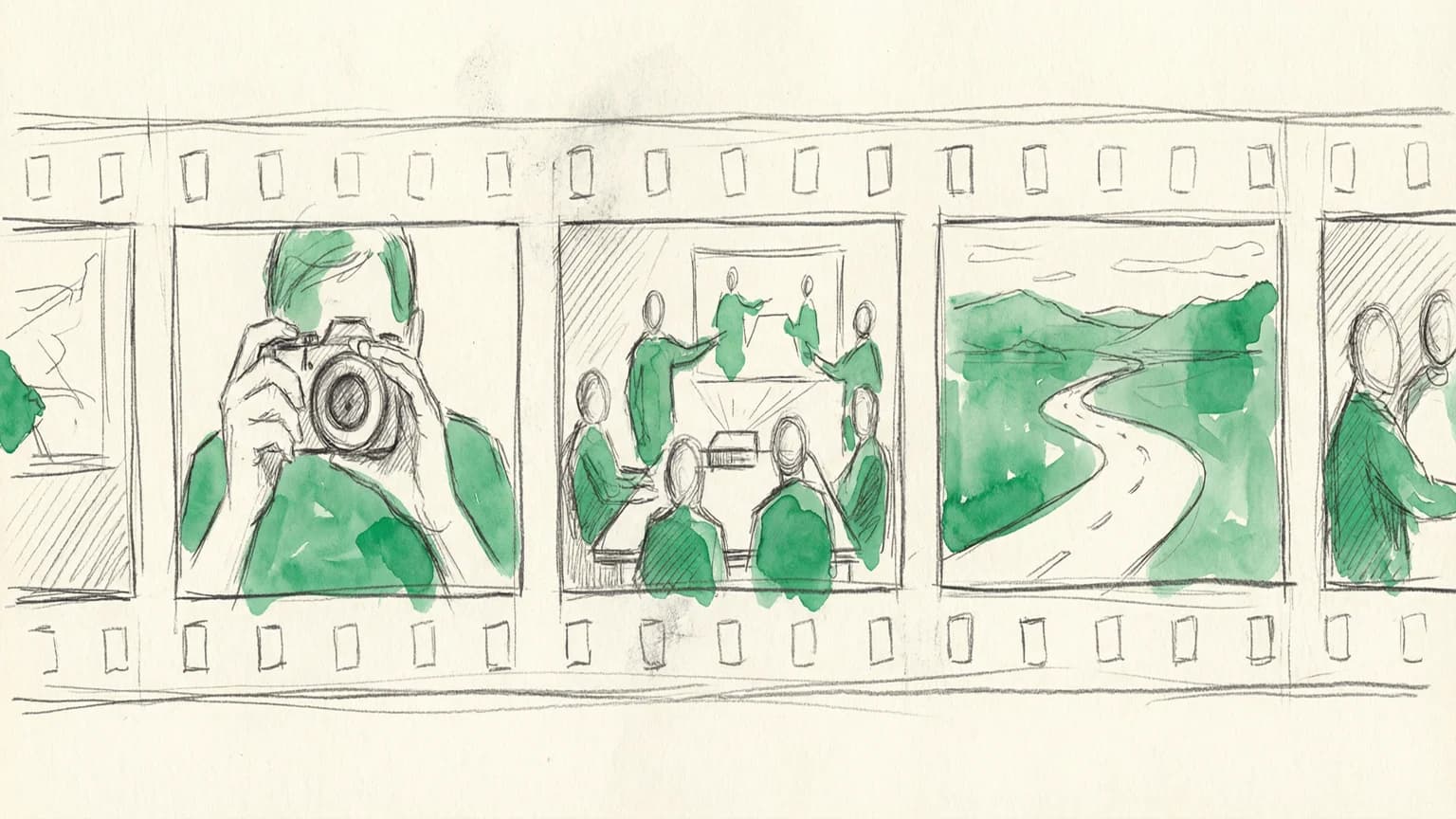
Instead of showing system diagrams and talking about "agentic platforms," Dave's team created storyboards. Hand-drawn, movie-style storyboards that showed specific people solving specific problems.
The stakeholders loved it, funded follow-on work, and the whole visual production took half a day.
Here's what I learned.
The problem with most AI pitches
You've probably sat through this presentation. Someone shows boxes connected by arrows. They talk about "orchestrating data lakes" and "embedded intelligence." Everyone nods politely.
Dave put it bluntly:
"The people who are actually deciding whether to pursue these things or not, they don't give a shit what the technology is. They hire someone to give a shit about the technology. What they want to know is how is this going to improve the actual experience of anybody involved and how is it going to make us more efficient?"
This is the core insight: stakeholders don't fund technology. They fund outcomes.
Dave's team leaned into this. They created storyboards that never mention AI architecture. Instead, they show a team leader updating a menu system from her phone. An operator getting a warranty alert about her $20,000 ice machine. A customer service agent resolving a ticket without digging through systems.
The AI is there. It's just invisible.
The "keyframe" model for AI-assisted production
Here's where it gets tactical.
Dave borrowed a concept from 2D animation. In traditional animation, you have two roles:
- Keyframers draw the important frames (character starts here, ends there)
- In-betweeners draw everything in between
Dave applied this to AI:
"I'm going to make the keyframes for AI and tell AI to make everything else in between."
In practice, this meant:
- Draw 2-3 frames by hand per journey. Rough pencil sketches, nothing polished.
- Feed them to ChatGPT with character descriptions. "This is a 32-year-old woman, team leader at a restaurant. Draw the rest in the same style."
- Art direct the AI like you would a junior illustrator. "Make this volumetric." "Gradient the shadow less in the back."
- Keep each storyboard in its own chat. The AI remembers style choices and character details.
Total production time for multiple storyboards: half a day.
Why pencil sketches work better than polished mockups
This part surprised me.
Dave chose an abstract, hand-drawn style specifically because it hides AI inconsistency.
"I wanted it to look like a movie storyboard. The level of abstraction is something viewers already expect. I don't want it to be photorealistic. So the dip into the uncanny valley is kind of avoided."
His teammate pushed this further. Instead of designing detailed UI, he used "skeleton UI" with placeholder shapes. No real text. No specific icons.
The benefit? It doesn't presume the right UX before actual research. If user feedback changes direction, nothing expensive gets thrown away. Stakeholders won't fixate on interface details because there aren't many to fixate on.
The fail rate is fine
Dave estimated 30-50% of AI-generated images needed rework or rejection.
That sounds high. But in context, it's manageable:
"It was not so laborious as to be a crushing thing. I had to massage them periodically and say, like, 'I need you to remove that sixth hand because this is not Hannibal Lecter.' It's not Cthulhu-fil-A."
You're the architect, AI is the junior illustrator. You make the important decisions while AI handles the labor.
If your concept feels comfortable, you're undershooting
The same session included a second demo from designer Eric White: an AI-powered iPad app for field salespeople. Walk into a small business, have a conversation, and the app listens in real-time, transcribes everything, extracts insights ("business size: 15 employees, single location"), and auto-generates service packages on the fly.
Eric was excited about the concept but reasonably curious whether it was feasible within project timelines—a question most teams are asking right now. My reaction: it's not only feasible, it might not be ambitious enough.
We're still calibrating our expectations to models from two years ago. Frontier models today can handle real-time transcription, entity extraction, and structured output generation without breaking a sweat. The "ambitious" concepts that felt like science fiction in 2023 are table stakes now.
If your AI concept feels comfortable, you're probably undershooting.
Try this on something small
If you're hesitant to try AI-assisted production on client work, start personal.
Build a side tool or storyboard an idea you've been sitting on. Draw the keyframes and let AI fill the gaps.
Dave mentioned he still hasn't found the right passion project to vibe-code. But the storyboard approach is lower stakes. You don't need to write code. You just need to draw a few frames and describe what you want.
The goal should be simple:
"It shouldn't be any more complicated than going from Nancy Drew to Scooby Doo. As soon as it's super clear who the bad guy is, you just take care of it."
That's the vibe: clear problem, guided investigation, satisfying resolution.
AI should make work feel more like that, not less.
Bottom line
If your AI pitch shows boxes and arrows, you've already lost.
Show people instead. Show the team leader updating her system between rushes. Show the operator getting a warranty alert at home. Show the support agent resolving a ticket without digging.
Make the important frames yourself. Let AI make everything in between.
Based on presentations by Dave McMahon and Eric White at our internal AI learning group. Thanks to Dave for sharing his storyboard process and to Eric for the ambitious iPad concept.