Book Bot and the Case for Personal Software
You can build software now that doesn't have to scale
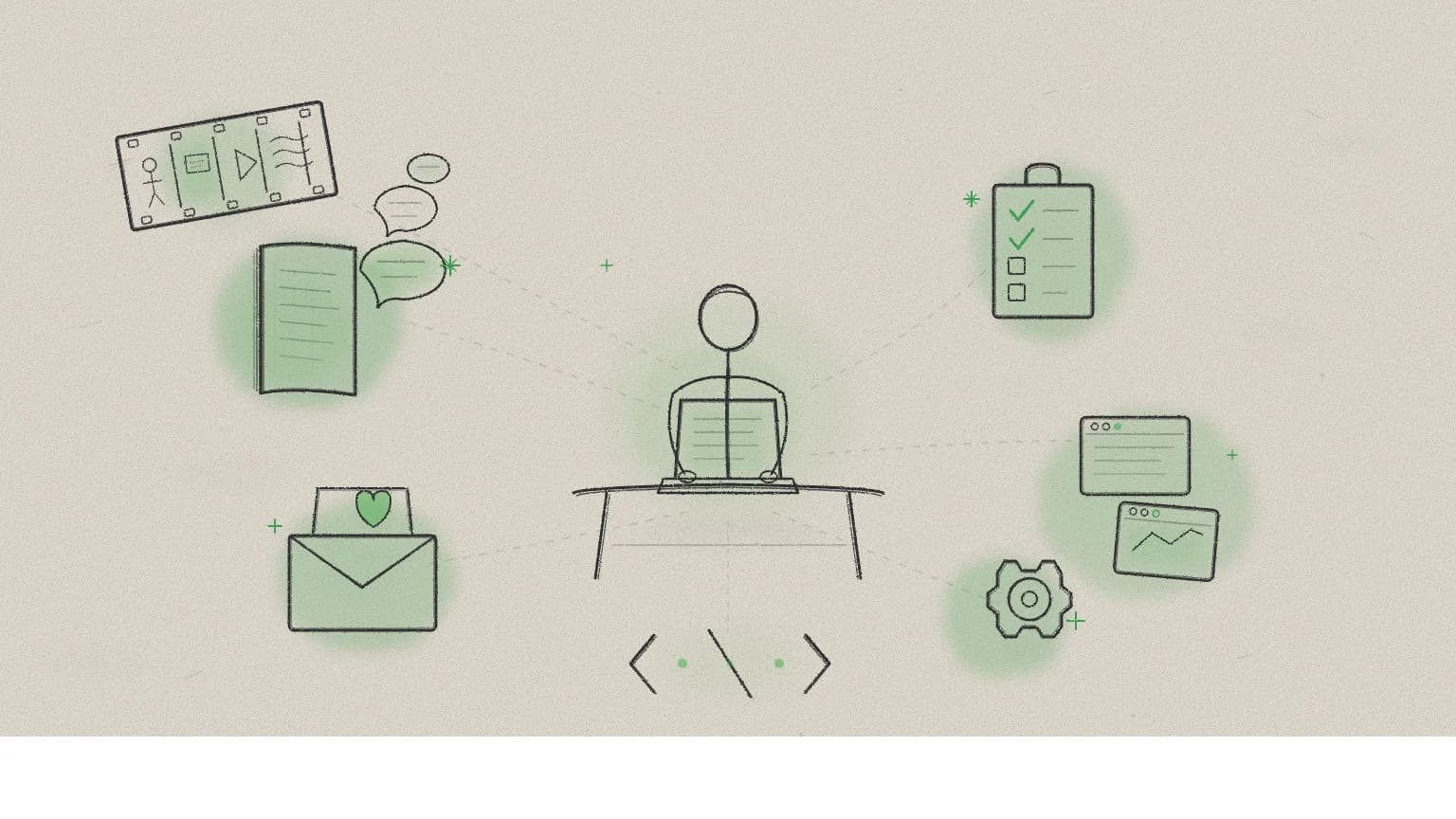
A designer walked into a CAE session and casually demoed a working app she'd built in eight hours. Database, API integration, user management, chat-based book recommendations. Not for a client pitch. Not a proof of concept for stakeholders. For herself and maybe a few friends.
Nobody in the session asked if it would scale. Nobody asked about the business model. The first reaction was just: "That is so cool."
That reaction tells you something about where we are right now.
Eight hours, from zero
Alex had no coding background. She's a designer who decided to spend her free time learning. Her approach was disarmingly direct: she opened Claude and said, essentially, teach me how to build an app.
"I basically asked her to teach me to do it, and that's what it's been doing."
What emerged over two four-hour sessions was Book Bot — a conversational book recommendation engine. It pulls real data from the Google Books API, stores reading history in a Supabase database, tracks which books you've already read, and recommends new ones based on conversation. You tell it what you liked about a book, and it starts building a profile of your taste.
The personality was deliberate. Alex prompted the chatbot to talk the way she talks with friends about books — excited but not performatively so. "I wanted it to be like, oh, did you read that book? What did you think about x, y, and z in this chapter?" Not a search engine. A reading companion who knows what you've already finished.
During the demo, she pulled up her Supabase dashboard to show the database capturing her reading history in real time. The system knew which books she'd read and wouldn't recommend them again. She was already planning the next features: book covers for recommendations, automatic tracking without manual confirmation, better formatting.
"It's nothing exciting," she said, while showing a working full-stack application with persistent storage, API integration, and conversational AI. The room disagreed.
The scale question nobody asked
In product teams, the first question for any new idea is "does this scale?" It's so ingrained that it functions as a filter: if the answer is no, the idea dies in the room. Good ideas get killed daily because they serve too few people to justify the investment.
But nobody asked that about Book Bot. Nobody needed to. The app serves an audience of one — Alex and maybe a few friends who want book recommendations skewed toward fantasy and what she's calling "post-apocalyptic nonfiction." And that's not a limitation. It's the point.
The concept of personal software — tools built for yourself, by yourself, with no commercial ambition — is one of the most interesting things happening in technology right now. It can just be a tool for making something that delights you. It doesn't need to be commercially viable. Doesn't need a business model. Just needs to make your life a little bit better.
This isn't a new idea, exactly. The earliest personal computers were personal. People wrote software to balance their checkbooks, organize recipes, track baseball statistics. Somewhere along the way, we collectively decided that software worth building had to be software worth selling. The economics demanded it — building was expensive, so it needed to pay for itself.
AI inverts those economics. When the cost of building drops close to zero for simple applications, the calculus changes. You don't need ten thousand users to justify the effort. You need one.
Book Bot will probably never have ten thousand users. Neither will the clipboard managers I've built for managing my day-to-day, or the Valentine's Day card app I made — a QR code that links to a personalized experience for each friend. Or the Keyframe tool that came out of a previous CAE session, where Dave McMahon showed his storyboarding process and I turned it into a self-contained app. None of these are products. They're personal software. And they might be the most honest use of this technology.
Building is the new learning
The traditional learning sequence is study, then practice, then build. Alex skipped straight to build and learned everything else along the way.
In two days, she picked up databases, API integration, terminal commands, server architecture, user authentication, and deployment concepts — not from a course or a tutorial, but because her app needed them. Each feature required a new piece of understanding. Claude didn't just write the code; it explained each step, suggested options, and let Alex make the architectural decisions.
"It walked me through everything. It gave me all these different options, and I kept picking ones. And so I slowly, individually, figured out how I was gonna build this."
Her process had a rhythm: Claude would generate a file, Alex would copy it to her local project, run it, hit an error, go back to Claude, troubleshoot, repeat. It's not elegant. She knows that. "I'm sure there's a better way to do it." But the friction was where the learning happened.
She learned about security constraints when things wouldn't connect. She learned about API keys when she had to keep reinserting them. She learned about file management when updates broke previous work. She even learned about the limits of AI assistance — "I kept getting errors even Claude couldn't figure out, so I have to sort of wipe files sometimes and then just start over again."
That last part matters. The narrative around AI-assisted development tends to emphasize the magic — the zero-to-working-app story. But the reality includes dead ends, confusing errors, and starting over. The difference is that those dead ends are educational. Alex came out of eight hours understanding the architecture of a web application in a way that no slide deck could have taught her.
"Even playing around with something that doesn't have to be a real tool — in these past two days, my understanding of all of it has grown immensely."
The visual thinker's gap
Alex named something that I think a lot of designers feel but struggle to articulate.
"I think about design in a visual way. Thinking about it visually and then translating that to text — that's hard for me because that's not my natural thought process."
This is the core adoption barrier for designers using AI tools. The entire interface is text. You have to describe what you want in words, and if you think in shapes, layouts, and spatial relationships, that translation step is constant friction. It's not that designers can't prompt. It's that prompting requires a mode switch that fights against years of trained visual intuition.
The bridge isn't teaching designers to think in text. It's making the tools accept visual input. Screenshots, mockups, annotated images, sketches — the models can already work from these. The input mode is shifting from text-only to multimodal, and that shift will matter enormously for who actually adopts these tools. Designers who think visually don't have to stop thinking visually. They just need to know they can hand the model a picture instead of a paragraph.
What "slow" means now
Alex said the process "feels slow." Let that land for a second.
Eight hours. A working application with a database, API integration, conversational AI, and user management. Built by someone who didn't know how to use a terminal two days earlier. And it feels slow.
"Slow" is doing a lot of heavy lifting in that sentence. Our calibration for what's possible has shifted so far, so fast, that building a full-stack app in a weekend feels like it should be quicker. What used to take a team of engineers weeks now takes one person with no engineering background a couple of focused sessions.
On the same day as this CAE session, both GPT 5.3 and Opus 4.6 dropped. Two major model releases in a single day. The capability floor keeps rising. The thing Alex built in eight hours on older, less capable models will be buildable in less time with better results as the tools improve. The infrastructure is catching up to the capability.
But here's the thing I keep coming back to: the "slowness" Alex felt wasn't really about the tools. It was about learning something new. "It's just the learning curve of learning something new," she said. That's a human speed limit, not a technical one. And it's the one limit that AI can't optimize away — nor should it.
Bottom line
Personal software is the most underrated application of AI right now. Not because it's technically impressive — though building a full-stack app in eight hours with no coding background genuinely is — but because it changes who gets to build.
For decades, having an idea for a small tool meant either learning to code (months), hiring someone (expensive), or just living without it. Now it means sitting down for an afternoon and asking an AI to teach you. The result won't be perfect. It'll have rough edges and bugs and a UI that the builder will cheerfully warn you isn't pretty. But it'll work. And it'll be exactly what you wanted, because you built it for yourself.
The question has shifted. It's not "can I code this?" anymore. It's "what would I build just for myself?"
Alex is going to clean up Book Bot and send us a link. I'm looking forward to getting some fantasy recommendations from a chatbot that actually knows what it's talking about.
Based on a Control Alt Elite session featuring demos and discussion from Alex, Dave McMahon, Sam, and others.
For more on CAE's approach, see Introducing Control Alt Elite. For the session that inspired the Keyframe tool, see The Keyframe Model.